Adding Course Materials to Gibbon
- Log in to Gibbon at gibbon.spots.edu.
- Go to Learn>Planner>Course and Classes
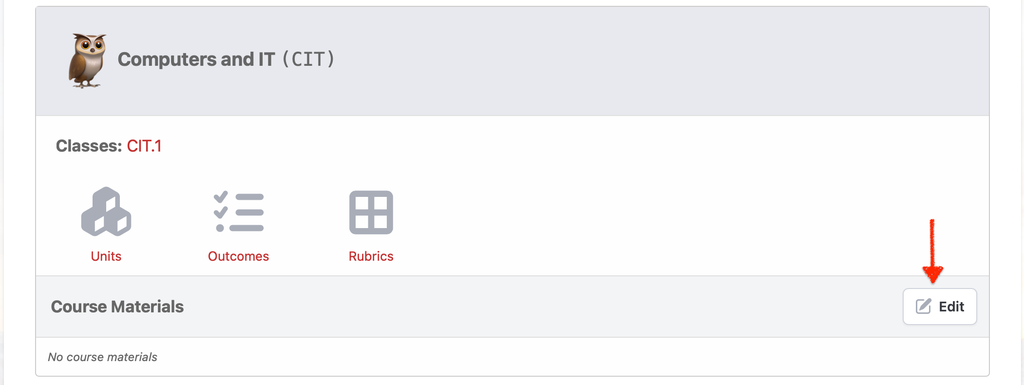
- Find your course and click on Edit at Course Materials:
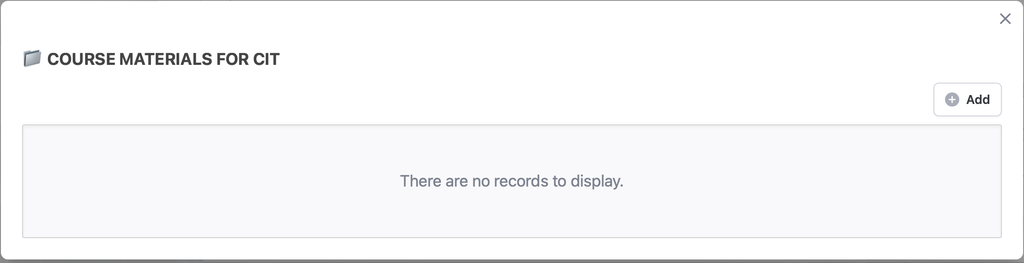
- Click ⊕ Add:
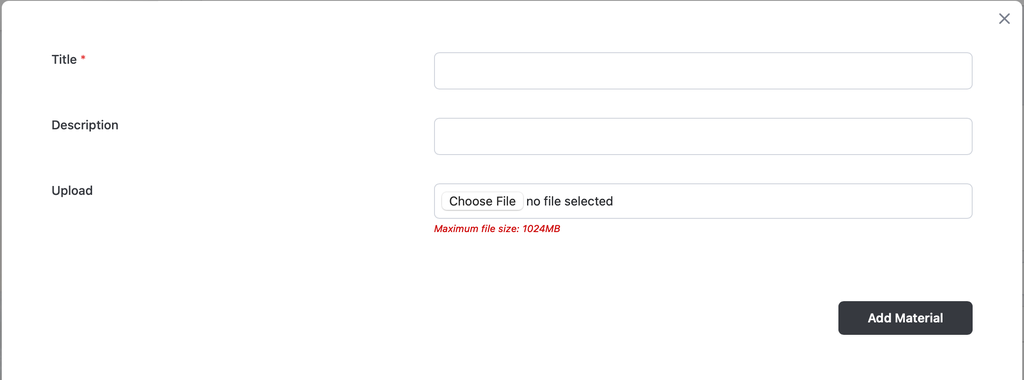
- Enter a title and Choose File. (You may also drag a file directly onto the Choose File button.) Then click Add Material.
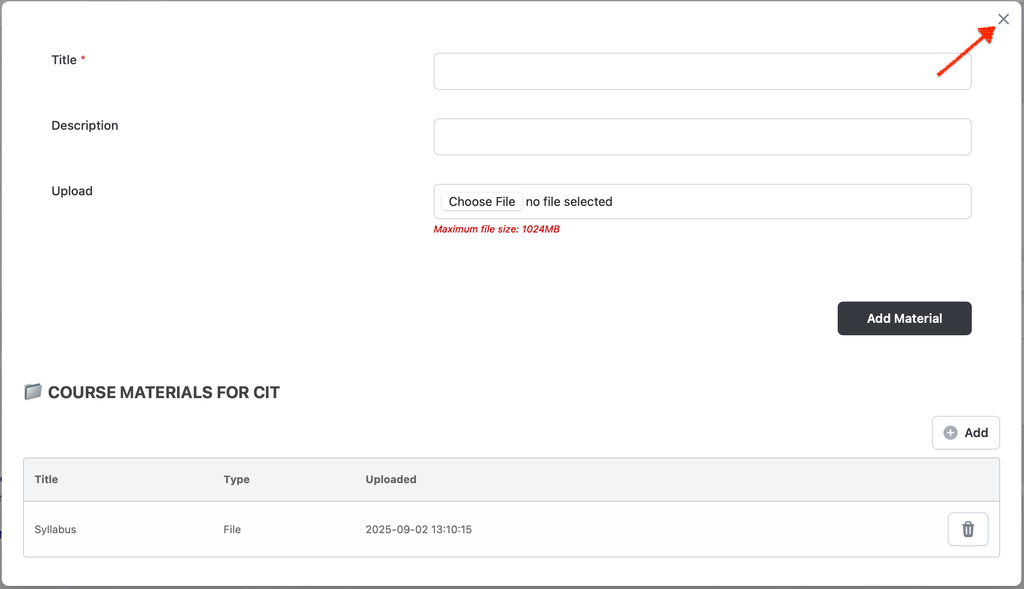
- Close the window when you have finished and that's it! Your course materials will be available on every lesson created for the course.