Creating Lessons: Basic Method
How to create class lessons in Gibbon
- Log in to Gibbon at gibbon.spots.edu.
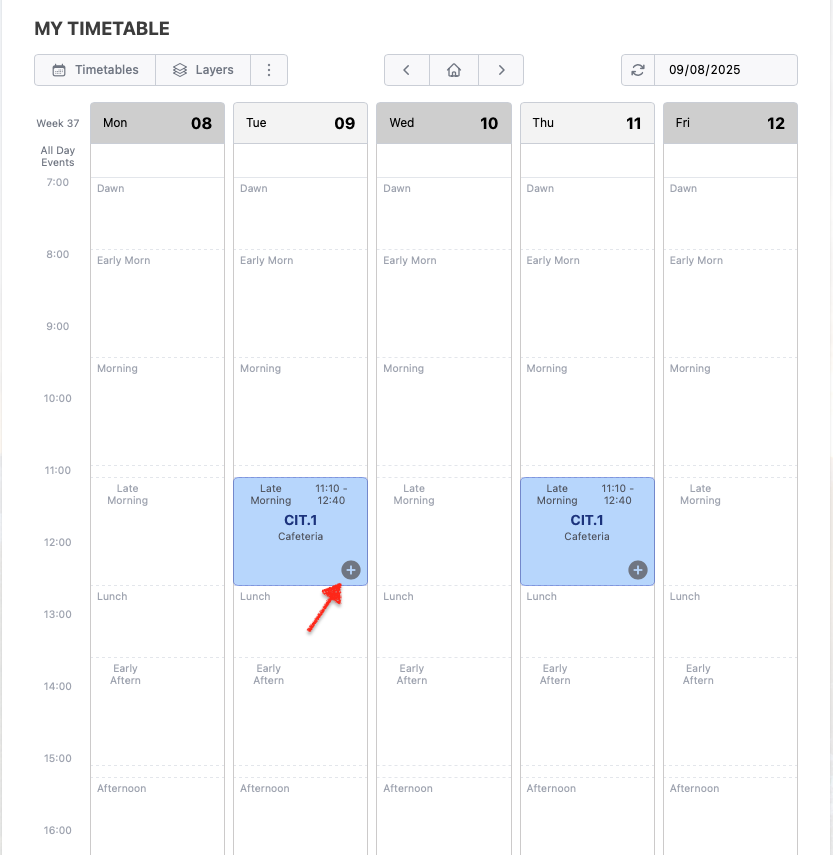
- Find your class slot on the Timetable and click the ⊕
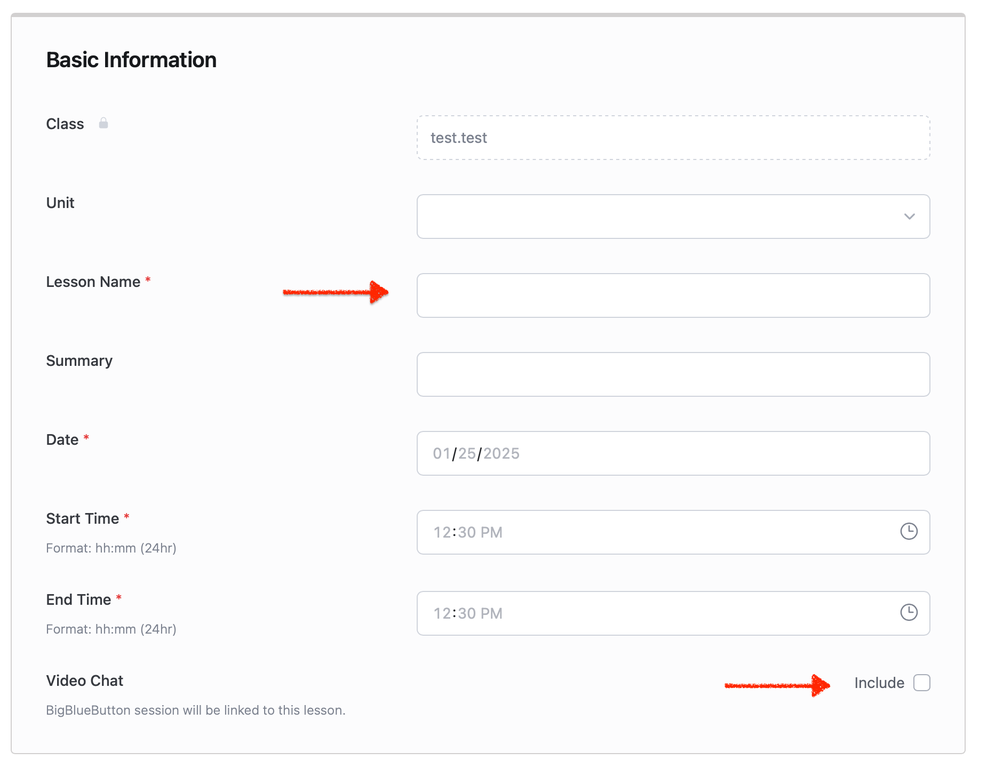
- Enter a name for the lesson. The Date, Start Time and End Time fields will be filled automatically.
- Click Include under Video Chat if you require video conferencing for this lesson.
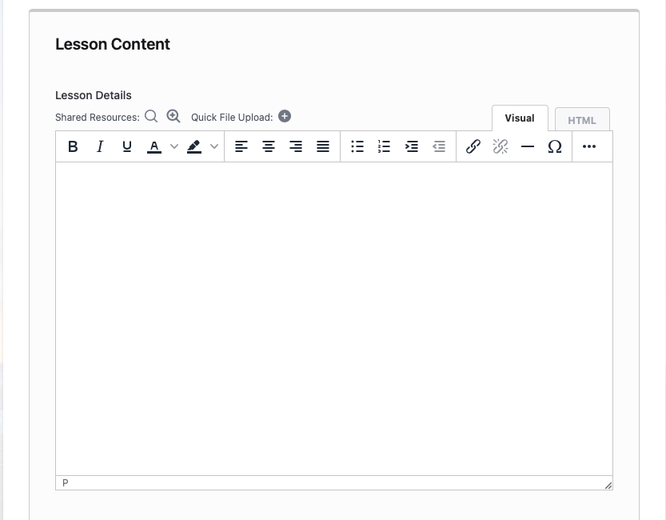
- Enter your lesson content under Lesson Details. Use the Quick File Upload button to upload files for the lesson such as PDFs or images.
- Click Submit. *Note: Only use the Notify all class participants check box if the changes to the lesson are really very important.

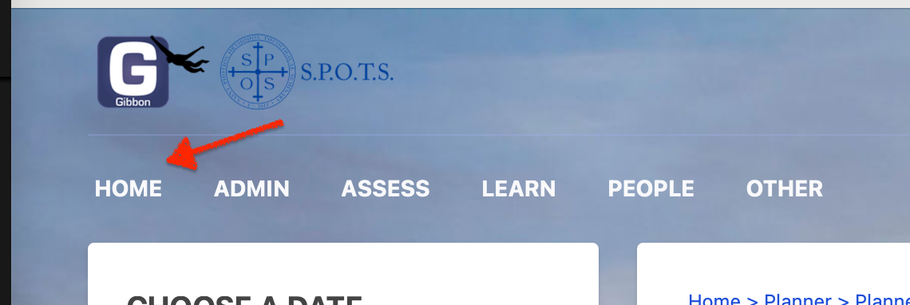
- Click Home to get back to the timetable on the home page.